Pokémon Binder Planner with AI Michi Method backgrounds
Plan your Pokémon card binder page by page, then build Michi Method layouts around your favourites. Free to use, no account needed to start.
Pick a card to start your binder
Tap a favourite, or search for any card you own. You can add as many as you like.
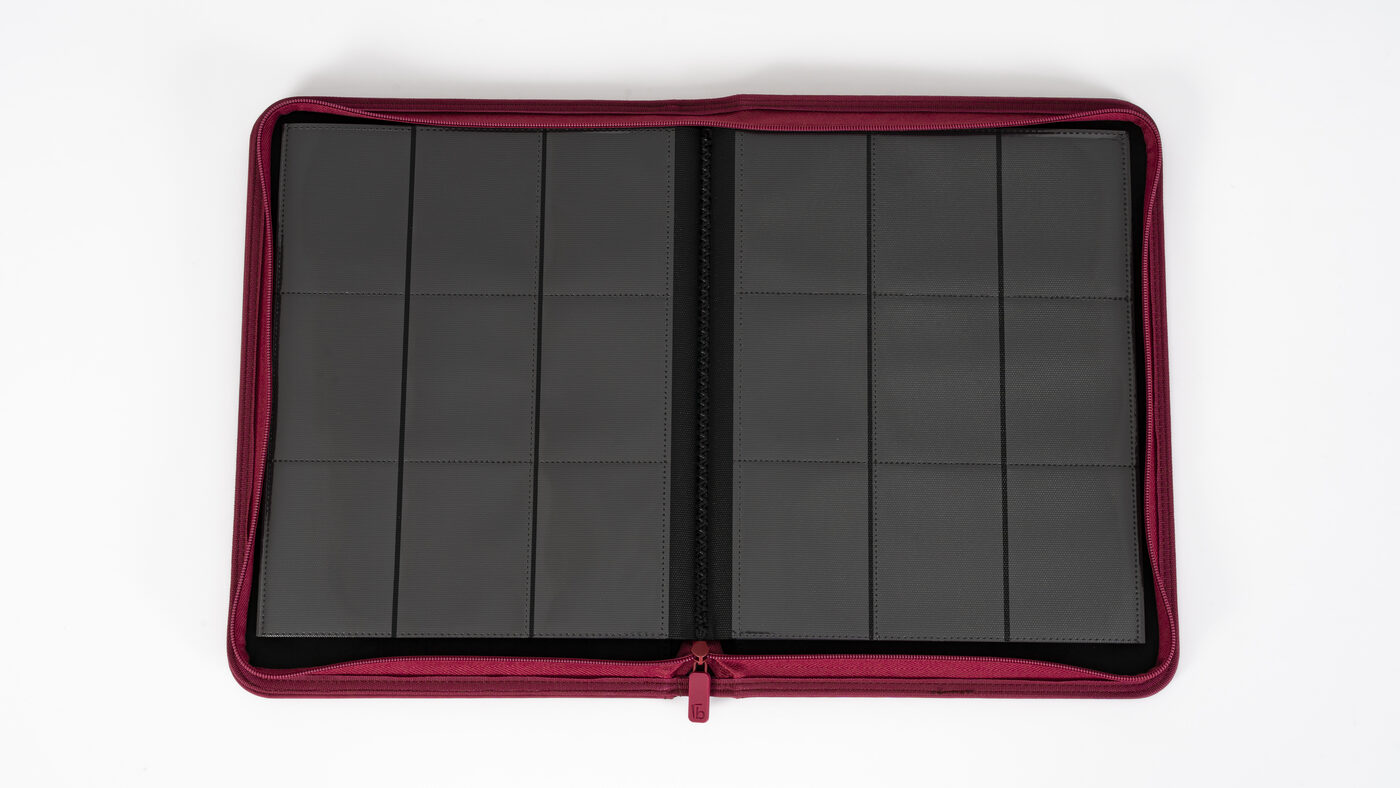
Tap a pocket to add your first card.
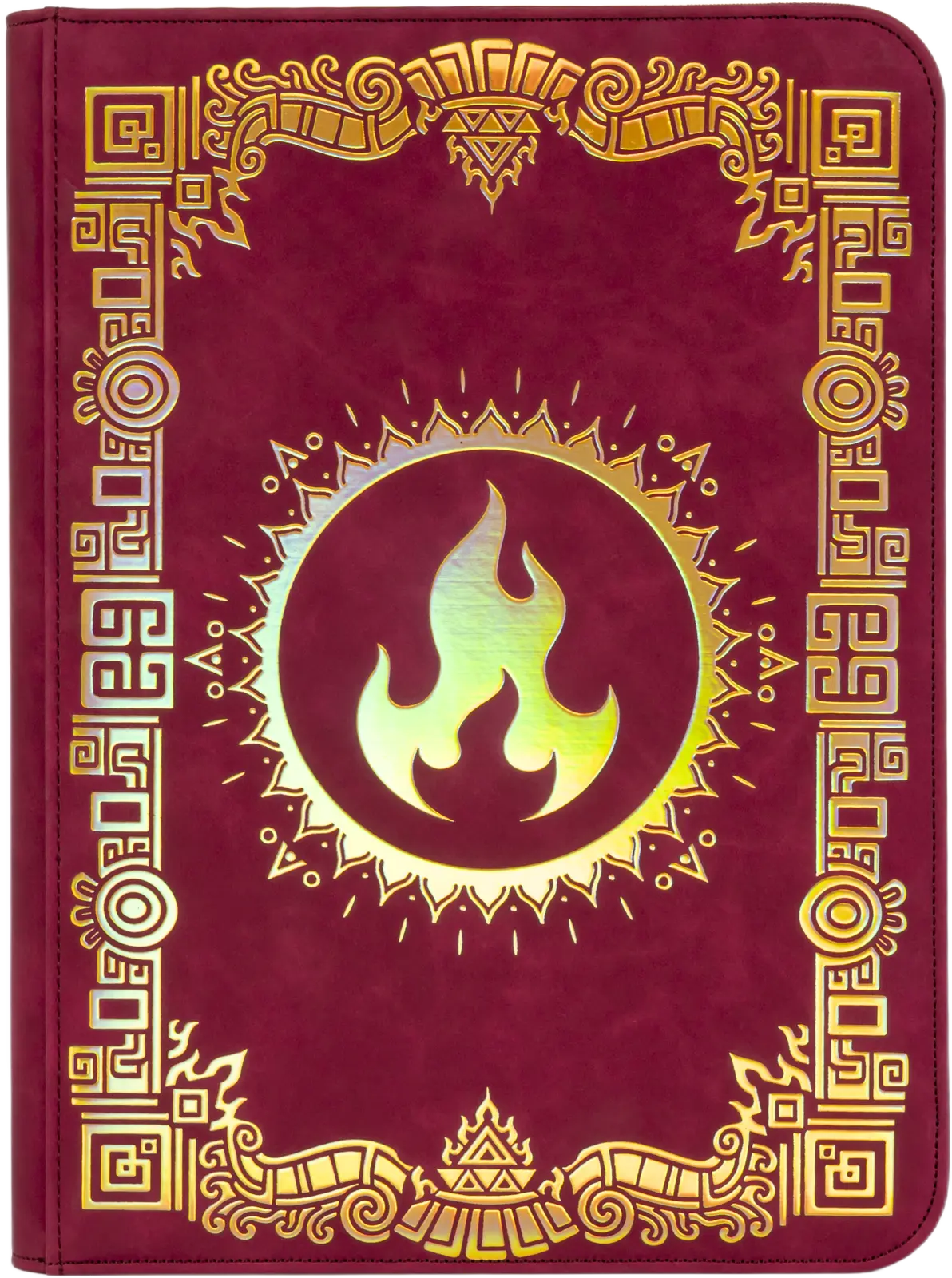 Planning in Sunfire ·
How the Pokémon binder planner works
Add your cards
Open a 9-pocket binder and tap any pocket to fill it. Search every English Pokémon card by name, set or number, or drop in a whole set at once. There are 40 pages, enough for 360 cards.
Paint a Michi background
Keep a page to between one and four cards, then press Create Michi background. The AI studies the artwork on your cards and paints the scene outwards across the empty pockets, so the whole page reads as one picture.
Print, save and share
Download the background as a print-ready A4 sheet of card-sized inserts, cut them out and slide them into the empty pockets. You can also save the page as an image or share a link to your binder.
Pokémon binder layout examples
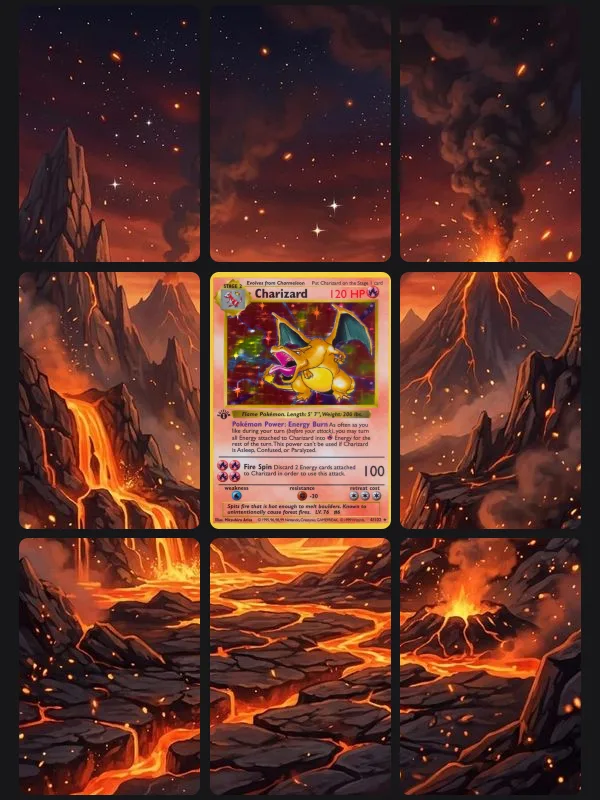
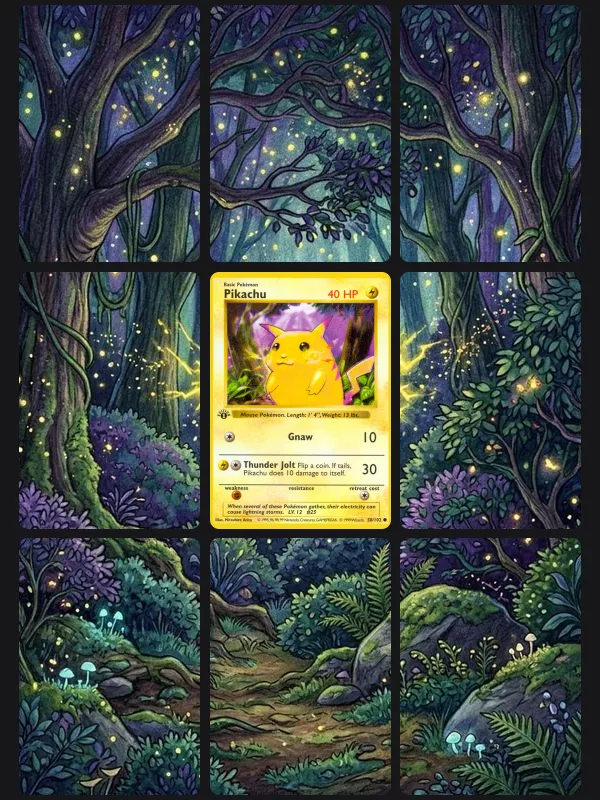
Each of these binder page layouts was made in the planner. The cards are real, and the backgrounds were painted by the AI from the artwork on the cards.
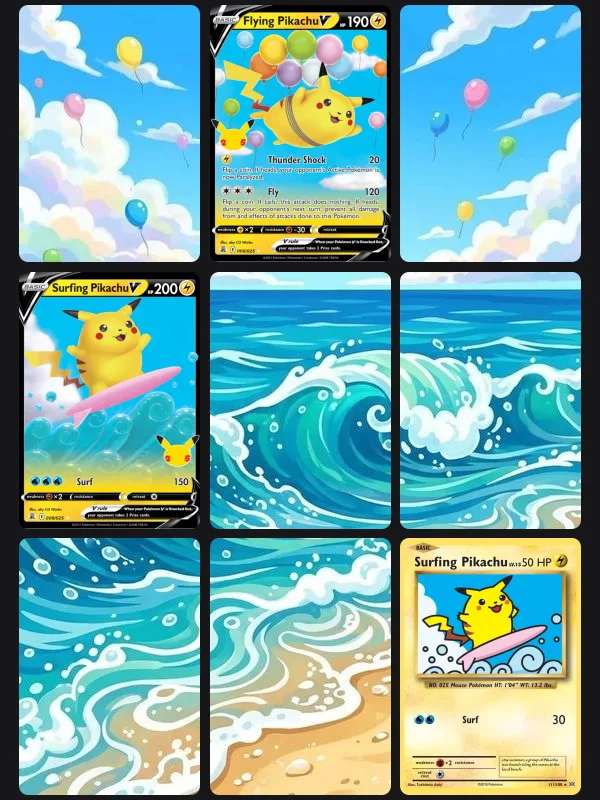
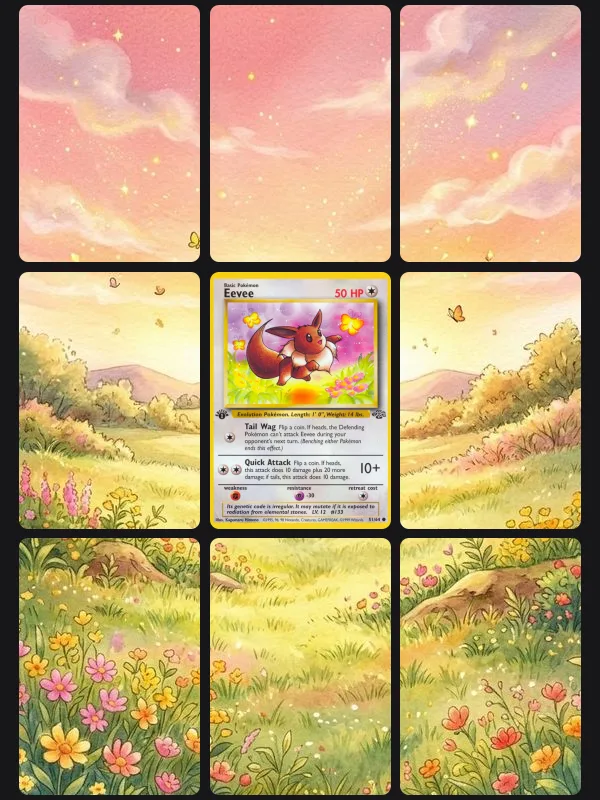
What is the Michi Method?
The Michi Method turns a binder page into a single composition. In place of nine cards in a grid, a page holds a few cards you love and fills the other pockets with printed inserts that continue their artwork: the sky behind a Charizard, the forest around a Pikachu, the sea under a surfing card. It is widely associated with Michi, known as @peeplop, who popularised it through binder layouts and tutorials.
The hard parts are painting a background that matches your cards and printing it at exactly card size. This planner works as a Michi Method page maker: it paints the background from your cards and sizes every insert for you. For layout ideas, paper advice and common mistakes, read our complete guide to the Michi Method Pokémon binder.
What the binder layout planner includes
Every English card
Search the full English Pokémon card database by name, set, number or artist, and add a complete set in one go.
9-pocket pages
The planner uses the 3 by 3 pages found in standard binders, including every BindSafe binder, with 40 pages per binder.
AI Michi backgrounds
Three AI backgrounds come free with a free account, each painted from the artwork on your own cards.
Print-ready inserts
Backgrounds are cut into inserts the size of a standard card, 63 by 88 mm, laid out on A4 for printing at home.
Saved as you go
Your binder saves automatically in your browser. With a free account you can keep several, and they follow you to any device.
Easy to share
With a free account, download a spread as an image or copy a link that opens a read-only copy of your binder.
Pokémon binder planner questions
- What is the Michi Method?
- The Michi Method is a way of laying out a trading card binder so that each page works as one picture. A few pockets hold cards, and the rest hold printed inserts that carry the cards' artwork across the page. It was popularised by the creator Michi, known online as @peeplop.
- How do you use the Michi Method for Pokémon binders?
- Choose one to four cards for a page and decide which pockets they sit in. Create a background that continues their artwork, print it as card-sized inserts, cut them out and slide one into each empty pocket. The planner does the background and the insert sizing for you.
- Is there a Michi Method binder for Pokémon?
- There is no special binder for it. Any binder with 9-pocket pages works, as long as the pockets are side-loading or top-loading and hold a standard card. BindSafe binders are 9-pocket and are the binders shown in the planner, so what you plan is what you will see on the page.
- What binder sizes work with the Michi Method?
- The method works with any pocket grid, but 9-pocket pages, three across and three down, are the most common and are what this planner uses. Each insert is the size of a standard card, 63 by 88 mm, so it fits any pocket made for Pokémon cards.
- What is the best printer for the Michi Method?
- Any colour inkjet printer that can take photo paper or matte card will do the job. For the best result, print at the highest quality setting on paper of around 200 gsm, at 100% scale with no fit-to-page, so the inserts come out at exactly card size. A local print shop is a good option if you do not have a printer.
- Is the Pokémon binder planner free?
- Yes. Adding cards and laying out your pages is free and needs no account. A free account adds three AI Michi backgrounds, printing, downloads, sharing and room for more binders. Unlimited AI backgrounds come with any BindSafe binder, or with a monthly plan.
Plan your first binder page
It takes a minute, it is free, and you do not need an account to start.
BindSafe is not affiliated with, endorsed or sponsored by Nintendo, The Pokémon Company, Creatures or GAME FREAK. Pokémon and card artwork are trademarks and copyright of their respective owners. Card data and images are provided by TCGdex.